
Imagine logging onto your business website tomorrow morning only to find a blank white screen. Or worse, a message from a hacker demanding Bitcoin to unlock your files. It is a nightmare scenario, but for thousands of UK small businesses every year, it is a reality.
Data loss doesn't just happen because of malicious attacks. It happens because of server failures, buggy software updates, or—most commonly—simple human error (deleting the wrong file). If your website is your primary source of leads or revenue, you cannot afford to "hope" it stays safe. You need a strategy.
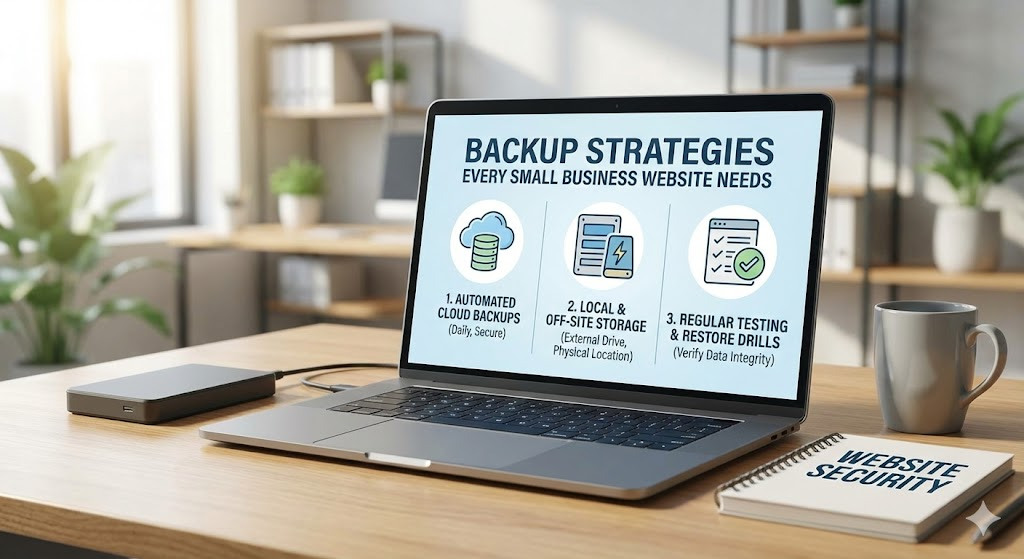
At Custom Coded Websites, we treat backups as digital insurance. You hope you never need them, but you are incredibly relieved they are there when you do. Here are the essential backup strategies every small business needs to implement immediately.
1. Follow the "3-2-1" Rule
This is the gold standard of data protection, used by IT professionals worldwide. It is simple but effective:
- 3 Copies of Data: You should have your live website, plus two backups.
- 2 Different Media Types: Don't store them all on the same hard drive. Use a mix of server storage and cloud storage.
- 1 Off-Site Copy: At least one backup must be stored in a completely different physical location (e.g., if your server is in London, your backup should be in Frankfurt or New York).
2. Automate, Don't "Remember"
The biggest failure point in any backup strategy is the human element. You promise yourself you will download a backup every Friday, but then a client calls, or you leave early, and it gets forgotten. Three months later, the site crashes, and your last backup is 12 weeks old.
The Fix: Backups must be automated. We write custom Python scripts for our clients that run silently in the background every single night. They compress the database and files and ship them off to secure storage without you lifting a finger.
3. Off-Site Storage (The "Air Gap")
Many cheap hosting providers offer "backups," but they often store the backup file on the same server as your website. This is like keeping your spare car keys inside your car. If the car gets stolen (or the server gets corrupted), you lose the keys too.
The Strategy: We implement remote backups to services like Amazon S3 or Google Cloud Storage. This ensures that even if your main web server completely melts down, your data is safe in a separate, secure fortress.
4. Test Your "Restore" Process
A backup is only a backup if it actually works. There is nothing worse than trying to restore a site during an emergency only to find the file is corrupted or incomplete. This is known as "Schrödinger's Backup"—you don't know if it's alive or dead until you check.
The Drill: Schedule a "Fire Drill" once a quarter. Try to restore your website to a test server using only your backup files. If it works, great. If not, you have identified a critical gap before it cost you money.
5. Version Retention (Time Travel)
Sometimes you don't realize a problem has occurred straight away. If a virus infected your site two weeks ago, restoring yesterday's backup will just restore the virus.
The Strategy: Implement a retention policy. A good standard is to keep:
- Daily backups for 7 days.
- Weekly backups for 4 weeks.
- Monthly backups for 6 months.
6. Don't Rely Solely on Plugins
If you are using WordPress, you might rely on a backup plugin. The problem? If your website goes down (e.g., a "Critical Error"), you often cannot log in to the admin panel to access the plugin to restore it.
The Custom Advantage: Server-level backups are superior. Because we control the infrastructure for our Custom Coded Websites, our backups happen at the server level, independent of the website code. We can restore your site even if the website itself is completely broken.
Conclusion
Your data is your business. Client lists, order history, product descriptions—rebuilding this from scratch would take months and cost thousands.
Don't wait for a disaster to teach you the value of backups. Let's secure your digital assets today.
Contact Custom Coded Websites to discuss a resilient backup and disaster recovery plan.