
You have built the perfect Django application. The code is deployed, the database is migrated, and you are ready to show the world. You update your domain settings, hit enter, and... nothing.
Your registrar tells you to "wait up to 48 hours." In the world of instant software deployment, this delay feels like an eternity. Why does the internet, which moves at the speed of light, take two days to recognize your new website?
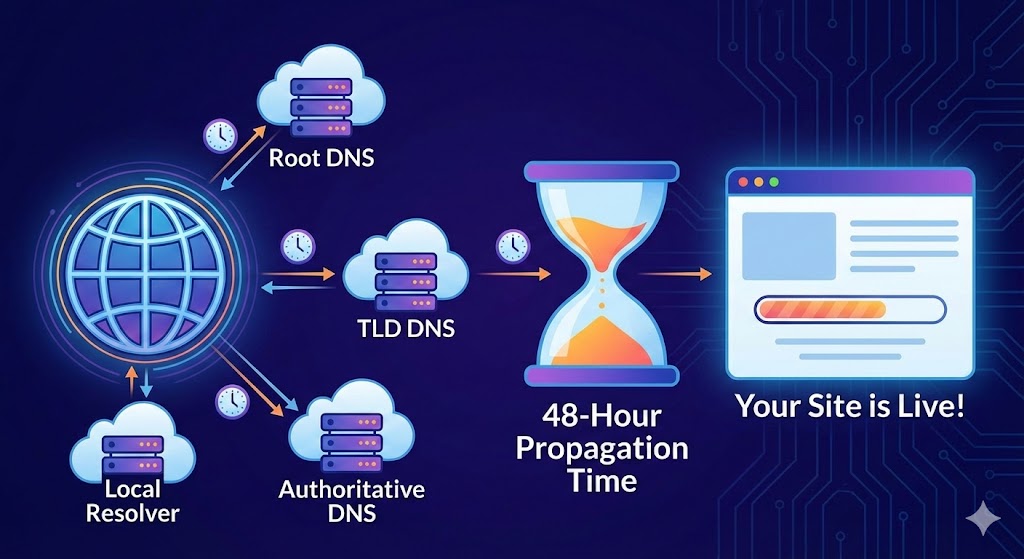
The answer lies in DNS Propagation—a decentralized, global process that works less like a switch and more like a rumor spreading through a crowded room.
The Internet’s Address Book
To understand propagation, you must understand the Domain Name System (DNS). Computers don't speak "English"; they speak IP addresses (like 192.0.2.1). DNS is the translator that turns youragency.com into that IP address.
When you update your DNS records to point to a new server, you are effectively changing your address in the "master book" (the Authoritative Nameserver). However, millions of other smaller address books (ISPs, routers, and browsers) are still holding onto the old address.
The Culprit: TTL (Time to Live)
The primary factor in this delay is the Time to Live (TTL) value attached to your DNS records. TTL is a setting that tells servers how long they should "cache" (remember) your information before checking for an update.
- High TTL (e.g., 24 hours): Great for stability. Servers only check for changes once a day. If you change your IP immediately after a check, the server won't look again for 24 hours.
- Low TTL (e.g., 5 minutes): Great for migrations. Servers check frequently, meaning changes propagate quickly, but it puts more load on the system.
Why It Takes 48 Hours
Even if you lower your TTL to 5 minutes, you might still face delays. This is due to ISP Caching. Many Internet Service Providers (ISPs) worldwide ignore short TTL settings to save bandwidth. They might forcefully cache your old records for 24 to 48 hours regardless of your preferences.
Furthermore, this update doesn't happen simultaneously. It spreads geographically. A user in London might see your new site immediately, while a user in Tokyo is still being directed to the old server because their local ISP hasn't refreshed its cache yet.
Typical Propagation Times
Not all records move at the same speed. Here is what you can typically expect:
| Record Type | Function | Typical Time |
|---|---|---|
| A Record | Points domain to Server IP | 1 - 24 Hours |
| MX Record | Emails | 6 - 24 Hours |
| NS (Nameserver) | Delegates Authority | 24 - 48 Hours |
Can You Speed It Up?
Once you have made the change, you cannot speed up the ISPs. However, you can prepare for next time:
- Lower your TTL in advance: 48 hours before a planned migration, lower your TTL to 300 seconds (5 minutes).
- Wait: Let the old, long TTL expire across the web.
- Migrate: Update your IP. Because the TTL is now short, the change will be picked up almost instantly.