
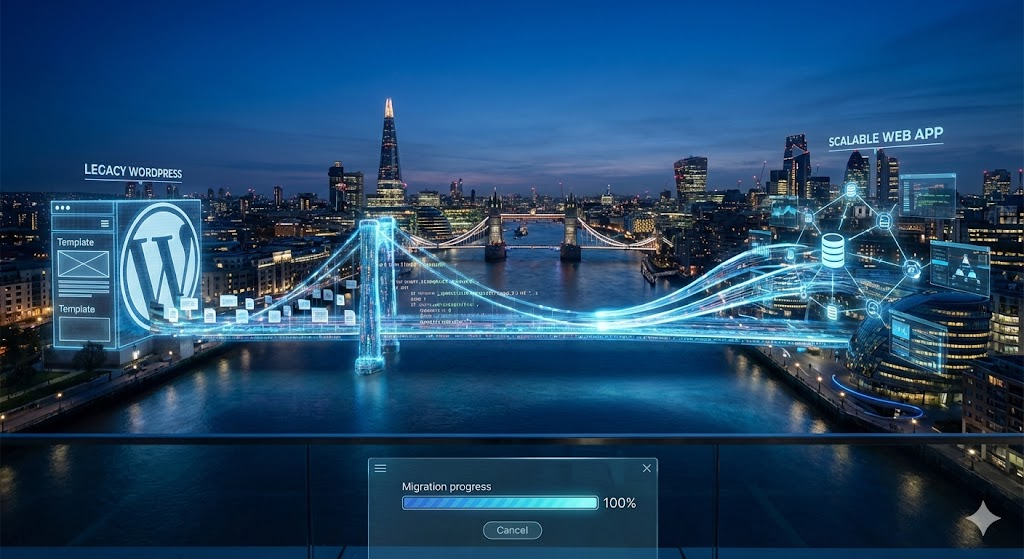
WordPress is the most popular website platform in the world, and for good reason. It is excellent for getting a blog or simple brochure site online quickly. However, successful London businesses often reach a tipping point where the platform that once enabled their growth starts to stifle it.
You might be familiar with the symptoms: your site is slowed down by dozens of conflicting plugins; you live in fear of the next security update breaking your layout; or you need a specific feature that simply doesn't exist in the plugin repository. When you hit this wall, the solution isn't another plugin—it is migrating to a Custom Web Application.
At Custom Coded Websites, we specialise in helping businesses make this leap from generic CMS platforms to powerful, bespoke Python/Django applications. Here is how to navigate the migration process safely and effectively.
1. The Audit: What Do You Actually Need?
A migration is the perfect time for a spring clean. Over the years, WordPress sites tend to accumulate "digital dust"—pages nobody visits, users who no longer work for you, and features that are broken.
The Strategy: Before writing a line of code, we audit your current site. We identify the core data that must be moved (blog posts, user accounts, product data) and the functionality that needs to be replicated. Crucially, we identify what can be discarded. This ensures your new custom web app starts lean and efficient.
2. Mapping the Data (MySQL to PostgreSQL)
WordPress stores data in a very specific, somewhat rigid way (mostly in the wp_posts and wp_postmeta tables). This structure can get messy as you scale.
The Technical Shift: When we build your custom app using Django, we typically use PostgreSQL, a more robust and scalable database system. The migration involves writing custom scripts to extract your data from WordPress, clean it up, and insert it into a new, structured database schema. This transforms your data from a "messy pile" into an organised filing system, making future queries lightning fast.
3. Replicating Functionality with Python Code
This is where the magic happens. In WordPress, you likely used plugins for contact forms, SEO, or members-only areas. In your new web app, we replace these heavy, third-party plugins with clean, custom Python code.
- Contact Forms: Instead of "Contact Form 7," we build secure forms that integrate directly with your CRM or email provider.
- SEO Tools: Instead of "Yoast," we build SEO fields directly into your admin dashboard, giving you control without the bloat.
- E-commerce: We replace "WooCommerce" with custom checkout flows that match your exact business logic.
4. Preserving SEO: The Critical Step
The biggest fear business owners have regarding migration is losing their Google rankings. If you have spent years building traffic, the last thing you want is to reset to zero.
The 301 Redirect Strategy: Your URL structure will likely change. For example, WordPress might force a date into your URL (/2023/10/my-post), whereas your new app will have cleaner URLs (/blog/my-post). We create a comprehensive map of "Old URL" to "New URL" and implement 301 Redirects. This tells Google: "This page has moved here permanently." It transfers your ranking power to the new site, preserving your hard-earned SEO authority.
5. User Experience (UX) and Design Overhaul
Migration is an opportunity to break free from the constraints of your old theme. Because we are custom coding the front end, we aren't limited to "what the template allows."
We can redesign your user interface to be mobile-first and strictly brand-aligned. Whether you need a dashboard for clients in Canary Wharf or a booking system for customers in Camden, we build the interface to serve the user, not the software.
6. Testing and Launch
Moving platforms is major surgery for your digital presence. We don't just flip a switch.
We run the new web app on a staging server first. This allows you to log in, test the features, check the data integrity, and ensure the design works on all devices. Only when everything is perfect do we point your domain to the new server. The result? A seamless transition with zero downtime for your customers.
Why Django is the Ultimate Upgrade
Moving from WordPress to Django is like trading a family sedan for a Formula 1 car. You get:
- Better Security: No more worrying about vulnerability in a random plugin.
- Scalability: Your site can handle huge traffic spikes without crashing.
- Maintainability: Clean code is easier to update and expand in the future.
Conclusion
Migrating to a custom web app is a sign of maturity for a business. It means you are ready to own your technology rather than rent it. While the process requires expertise, the result is a faster, safer, and more powerful platform that can support your growth for the next decade.
Ready to leave WordPress behind? Contact Custom Coded Websites to discuss your migration strategy today.