
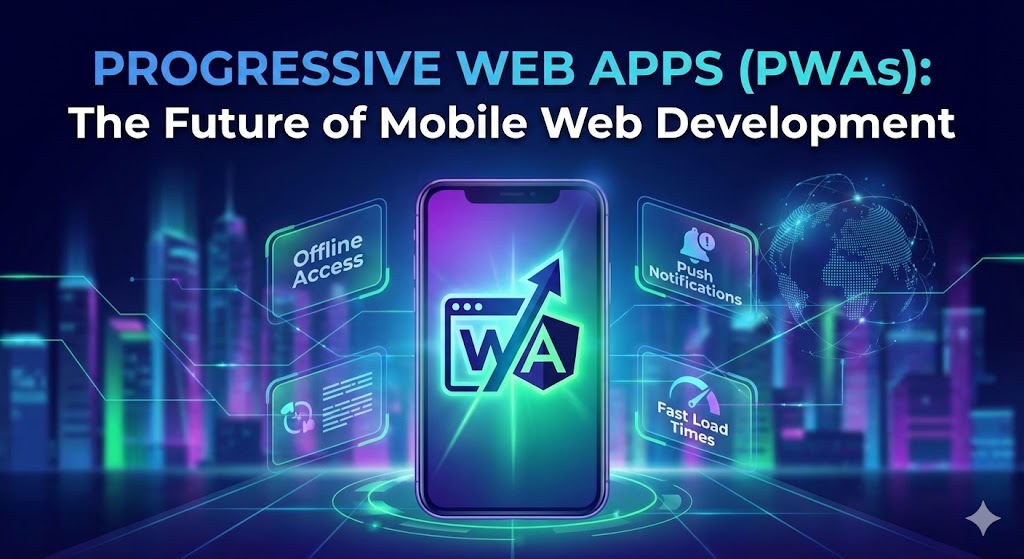
For the last decade, businesses have faced a difficult choice regarding mobile strategy: build a responsive website that relies on an internet connection, or invest tens of thousands of dollars into building a Native App for iOS and Android.
The website is cheap but lacks engagement. The native app is engaging but expensive and hard to distribute. Enter the Progressive Web App (PWA)—a technology that blurs the line between the web and native applications.
What Exactly is a PWA?
A Progressive Web App is, at its core, a website. However, it uses modern web capabilities to deliver an app-like experience. It runs in the browser but can access hardware features that were previously reserved for native apps.
Think of it as a website that took vitamins. It looks like a website when you first visit, but as you interact with it, it gains superpowers.
The Three Pillars of a PWA
To be considered a PWA, a web application generally needs three main features:
1. Capable (The Service Worker)
The secret sauce of a PWA is a script called a Service Worker. This sits between your browser and the network. It intercepts network requests and can serve cached files even when the user is offline.
- Scenario: A user loads your e-commerce store while on a train. They go into a tunnel and lose signal. On a normal site, they see a dinosaur or a "No Connection" error. On a PWA, they can still browse the catalog because the Service Worker cached the data.
2. Installable (The Manifest)
PWAs allow users to add your site to their home screen without going through the Apple App Store or Google Play Store. This removes the friction of downloading a 50MB file. It appears on their phone just like Instagram or WhatsApp, complete with a custom icon and splash screen.
3. Re-engageable (Push Notifications)
Just like a native app, PWAs can send push notifications to a user’s device (with permission). This is a massive tool for marketing—reminding users about abandoned carts or new content without waiting for them to check their email.
PWA vs. Native App: The Business Case
Why are major companies like Twitter, Starbucks, and Uber moving toward PWAs? It usually comes down to cost and friction.
| Feature | Native App (iOS/Android) | Progressive Web App |
|---|---|---|
| Development Cost | High (Separate codebases usually needed) | Low (One codebase for all devices) |
| Distribution | App Stores (30% fee, strict review) | Direct from Browser (No fees) |
| Updates | Users must download update | Instant (like a website refresh) |
| Searchable (SEO) | No (Hidden in App Store) | Yes (Indexed by Google) |
How Django Powers PWAs
While the PWA features live in the browser (frontend), they need a robust backend to function. Django is an exceptional choice for this.
We often build the backend API using Django REST Framework. This API feeds data to a frontend built with React, Vue, or even standard Django templates enhanced with HTMX. Django manages the heavy lifting—database security, user authentication, and logic—while the PWA frontend handles the offline caching and smooth animations.
The Verdict
Unless you need high-performance 3D graphics (like a video game) or deep hardware integration (like Bluetooth controls), a PWA is likely the smarter, more budget-friendly choice for your business in 2025.