
Imagine two stores side-by-side. Store A has a plain grey sign that just says "Shoes." Store B has a neon sign displaying "5-Star Rated Nike Running Shoes - $80 - In Stock Now." Which one do you walk into?
On Google Search, this exact scenario plays out every second. Most websites are "Store A"—just a blue link and a text description. But savvy e-commerce brands use Structured Data (Product Schema) to become "Store B," winning the click before the customer even visits the site.
What is Structured Data?
Google is smart, but it is still a robot. When it crawls your product page, it has to guess which number is the price, which text is the description, and which image is the main product photo.
Structured Data (specifically using the Schema.org vocabulary) is a piece of hidden code that explicitly labels this information. It acts as a translator, telling Google: "This number is the price. This date is when the sale ends. This 4.5 is the average review score."
The Result: Rich Snippets
When you implement Product Schema correctly, Google rewards you by upgrading your search listing into a Rich Result (or Rich Snippet).
These visual enhancements are incredibly powerful for conversion:
- Star Ratings: Instant social proof that builds trust.
- Price: Qualifies the user. If they click, they already know the cost, meaning they are more likely to buy.
- Availability: Seeing "In Stock" creates urgency and reliability.
- Price Drops: Google can sometimes display a "Price Drop" badge if it detects a sale.
How to Implement It: JSON-LD
The modern standard for adding this data is JSON-LD (JavaScript Object Notation for Linked Data). It is a script block that lives in the head or body of your page, invisible to humans but neon-bright to bots.
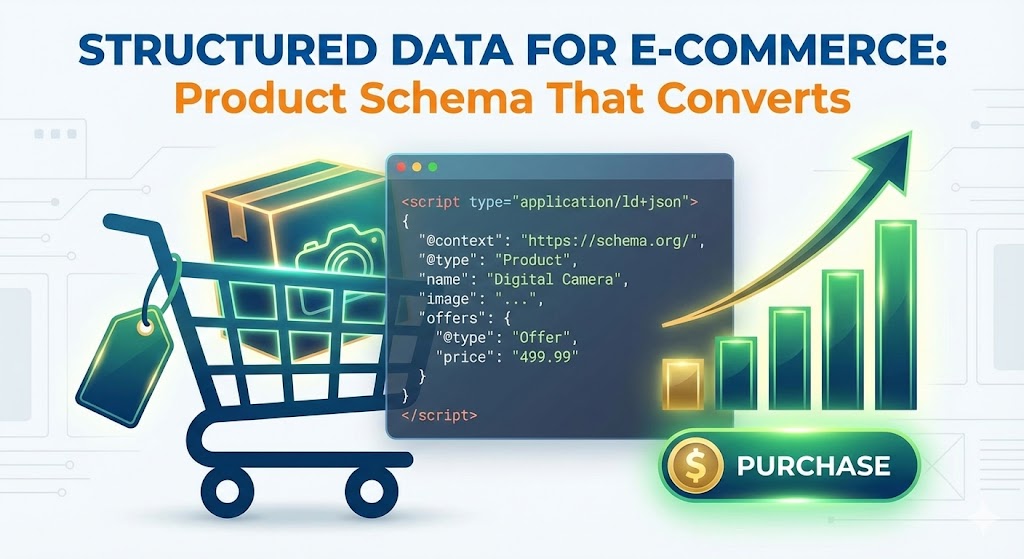
Here is what a basic implementation looks like:
<script type="application/ld+json"> { "@context": "https://schema.org/", "@type": "Product", "name": "Classic Leather Sneaker", "image": "https://example.com/photos/sneaker.jpg", "description": "The most comfortable sneaker you will ever own.", "sku": "0446310786", "brand": { "@type": "Brand", "name": "Acme Co" }, "offers": { "@type": "Offer", "url": "https://example.com/sneaker", "priceCurrency": "USD", "price": "119.99", "availability": "https://schema.org/InStock" }, "aggregateRating": { "@type": "AggregateRating", "ratingValue": "4.4", "reviewCount": "89" } } </script>Automating Schema in Django
If you have 1,000 products, you obviously cannot write this code manually for every page. At our agency, we build this directly into your Django product templates.
We create a dynamic template that pulls the data straight from your database models ({{ product.price }}, {{ product.average_rating }}). This means that the moment you update a price or receive a new 5-star review in your admin panel, the Schema markup updates instantly. Google picks up the change on the next crawl, and your search listing stays accurate.
The "Merchant Center" Connection
Product Schema is also the backbone of Google Merchant Center. If you run Google Shopping ads, Google cross-references your submitted data feed with the Schema on your website. If they don't match (e.g., your feed says $50 but your page Schema says $60), your ads will be disapproved. Clean data is essential for ad performance.
Summary
Structured Data is one of the highest-ROI activities in SEO. It doesn't require writing new content or building backlinks; it simply ensures that the hard work you have already done is displayed beautifully in search results.