
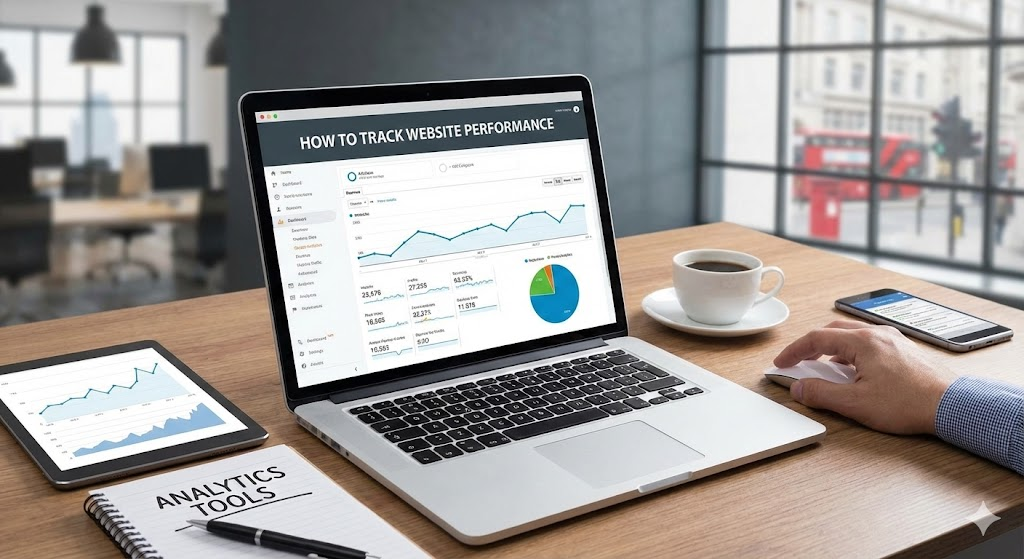
In the world of digital business, opinion is irrelevant. You might think your new homepage design looks fantastic. Your marketing agency might think your latest blog post is viral material. But unless the data agrees, you are flying blind.
Tracking website performance is the difference between hoping for growth and engineering it. For London businesses operating in high-stakes markets, data is the compass. However, simply installing Google Analytics is not enough. You need to know which tools to use, what to measure, and—crucially—how to interpret the numbers to make profitable decisions.
At Custom Coded Websites, we build data-driven infrastructure. Here is your guide to the essential analytics toolkit for 2026.
1. Google Analytics 4 (GA4): The Truth Source
The transition to GA4 is now complete, and while many find it complex, it is powerful. Unlike the old version which tracked "sessions," GA4 tracks "events." Every scroll, click, and video play is data.
What to Monitor:
- Engagement Rate: Forget "Bounce Rate." Engagement rate tells you the percentage of sessions that lasted longer than 10 seconds, had a conversion event, or had at least two pageviews. It is a true measure of interest.
- User Acquisition: Where are your visitors coming from? (Organic Search, Paid Ads, Social Media). If you are spending £1,000 on LinkedIn ads but GA4 shows zero conversions from that channel, you need to pivot immediately.
- Conversion Events: You must configure these manually. A "Conversion" isn't just a sale; it could be a contact form submission, a PDF download, or a "Click to Call" button press.
2. Google Search Console (GSC): The SEO Monitor
While GA4 tells you what users do on your site, GSC tells you how they found it.
Key Metrics:
- Impressions vs. Clicks: High impressions but low clicks? Your Title Tag or Meta Description is unappealing. Rewrite it.
- Query Data: See exactly what terms people typed into Google to find you. You might find you are ranking for "Cheap Architect London" when you want to be "Luxury Architect London"—a sign you need to adjust your content strategy.
- Technical Health: GSC alerts you to "Core Web Vitals" failures, mobile usability issues, and crawl errors that are silently killing your rankings.
3. Heatmapping (Hotjar / Microsoft Clarity)
Numbers tell you what happened; heatmaps tell you why. These tools record anonymous sessions of real users interacting with your site.
What to look for:
- Click Maps: Are users clicking on non-clickable elements (like an image they think is a button)? That is a UX failure.
- Scroll Maps: Do 50% of your users drop off before they even reach your pricing section? If so, you need to move that section higher up the page.
- Rage Clicks: This tracks when a user rapidly clicks the same spot in frustration. It usually indicates a broken link or a slow-loading feature.
4. Server-Side Tracking (The Custom Advantage)
This is where custom development shines. Traditional tracking relies on "Client-Side" cookies (pixels in the user's browser). However, with the rise of Ad Blockers and privacy updates (like Apple's iOS changes), up to 30% of your data can be lost.
The Solution: With a Python/Django backend, we can implement Server-Side Tracking. Instead of the browser sending data to Facebook or Google, your server sends it directly. This bypasses ad blockers, respects privacy regulations more robustly, and ensures your data is 100% accurate. It gives you a massive competitive edge in ad targeting.
5. Looker Studio: The "C-Suite" Dashboard
You don't want to log into three different tools every morning. Google Looker Studio (formerly Data Studio) allows you to pull data from GA4, GSC, Facebook Ads, and your CRM into one single, live visual report.
We build custom dashboards for our clients that answer the big questions at a glance: "How much did we spend?" "How many leads did we get?" "What is the Cost Per Lead?"
Conclusion
Data is not just for tech companies; it is for any business that wants to survive. By implementing the right tracking tools, you stop guessing and start knowing. You can cut the marketing that doesn't work and double down on the marketing that does.
Are you confident in your numbers? If not, let's fix your tracking.
Contact Custom Coded Websites to set up a professional analytics infrastructure for your business.